Last updated on
Guide to Flashcards
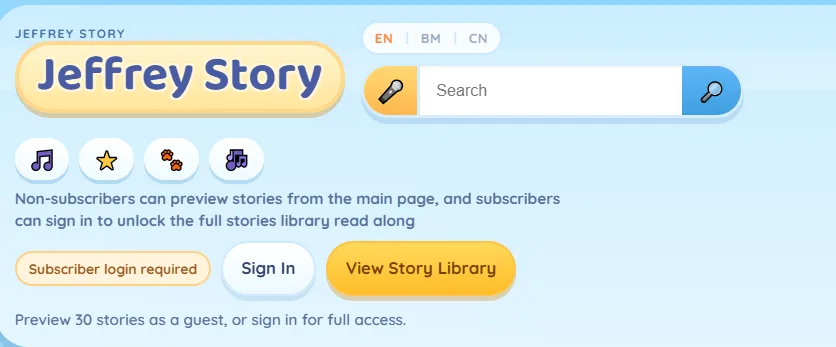
Login to JeffreyStory.com website and click on

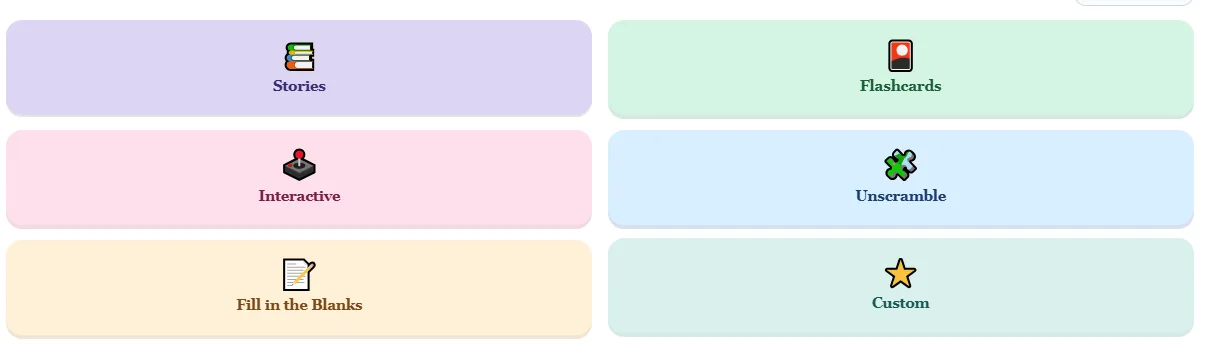
Then click on flashcards
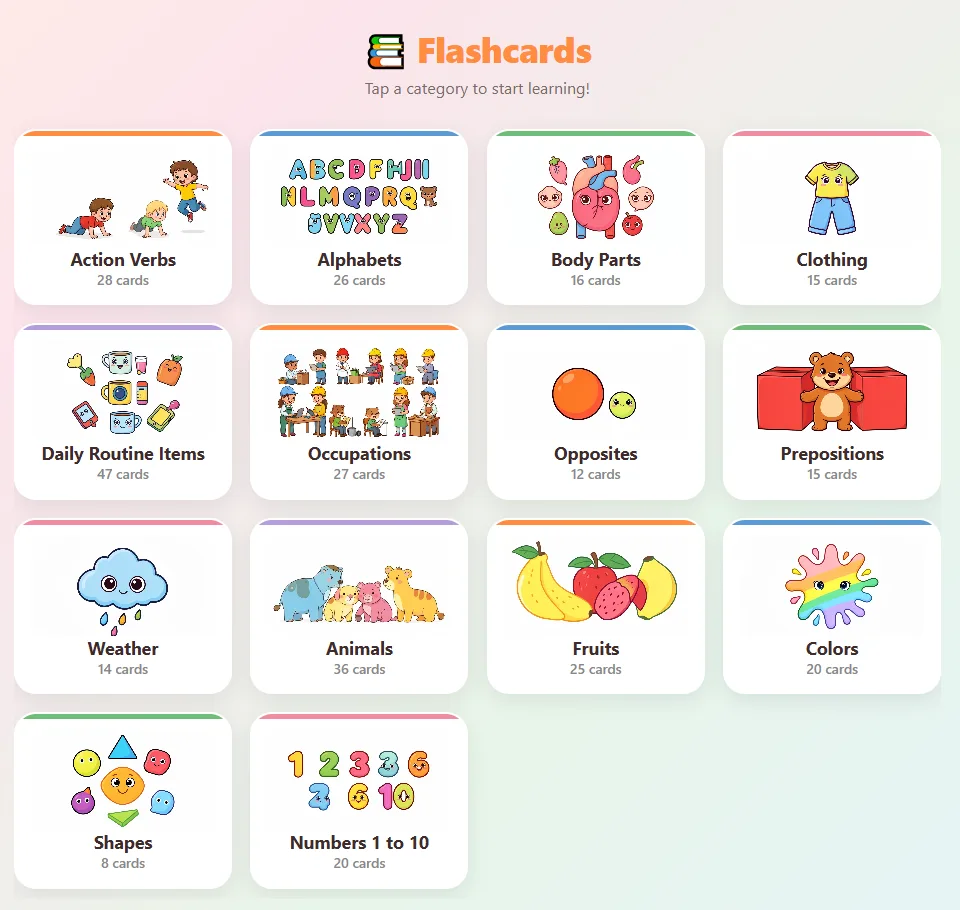
Then you will see categories. Choose your categories to open your decks of flashcards.
There are 2 audio buttons, one is to read word and the other is to read sentence.

If you are using mobile to view this flashcards page, you can use your finger to swipe left or right to go to the next flashcards.
And if you need to maximise the whole view, you can click minimize or maximize icons at the bottom.
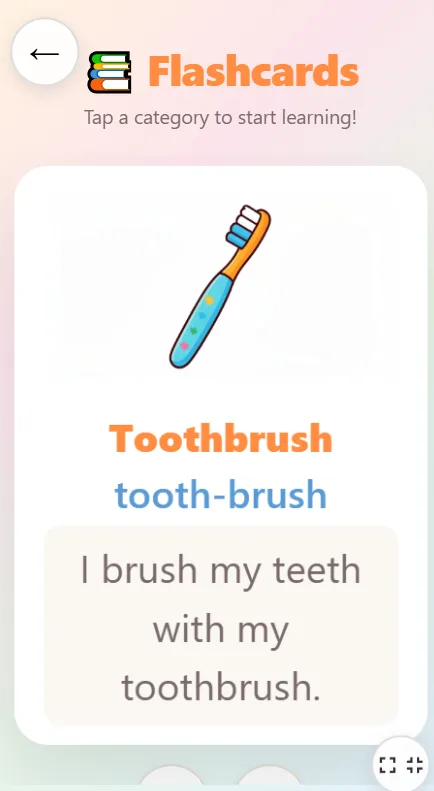
Thats all for this guide on how to use flashcards viewing on your mobile device.